

We have all been there. You want to check out an old friend’s video, browse a competitor’s business strategy, or simply watch a viral video without leaving a digital trace behind. Unfortunately, social media platforms love tracking every single click, swipe, and view you make. If you accidentally tap a profile or look at a story, your handle instantly gets logged on their viewer list. It can feel like you have absolutely no privacy when you browse online these days!
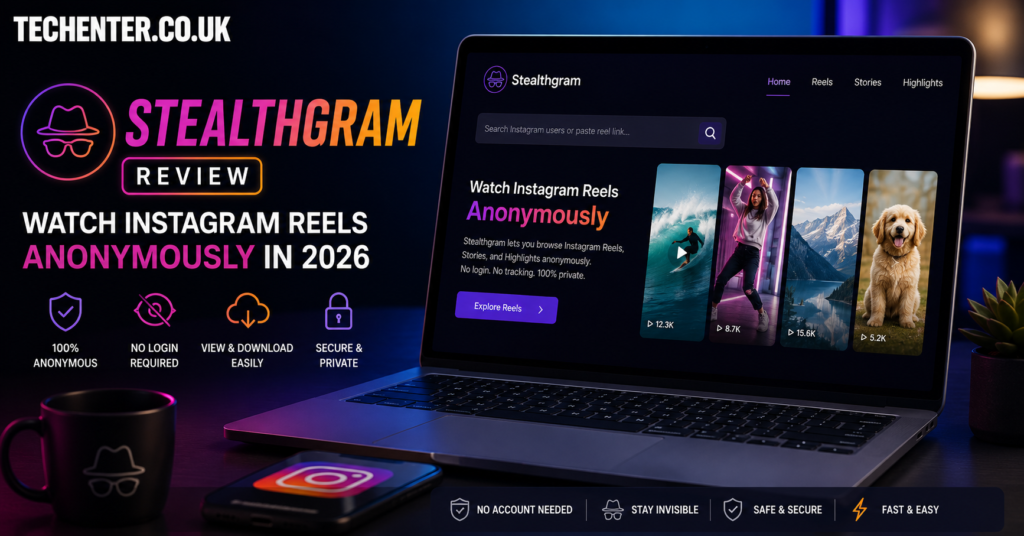
Thankfully, a few clever third-party utilities have popped up to give us our freedom back. In this comprehensive Stealthgram Review: Watch Instagram Reels Anonymously in 2026, I am going to put this popular web tool to the ultimate test. We will explore how it works, its safety features, and whether it actually keeps your viewing habits hidden from prying eyes. Let’s dive in and see if this service lives up to the hype!
What Is Stealthgram and How Does It Work?
Stealthgram is a free, web-based platform specifically designed to let users view and download public social media content without logging in. You don’t need to hook up your personal account, download an invasive app, or share your email address. It functions as a secure middleman between your browser and the platform’s servers.
When you plug a public username into the tool, its servers fetch the public media feed on your behalf. Because the web platform is pulling the video data, the creator only sees an anonymous server hit rather than your profile handle. It is an excellent addition to your suite of privacy-focused social applications if you love consuming media without tracking scripts following you around.
Step-by-Step: How to Watch Instagram Reels Anonymously
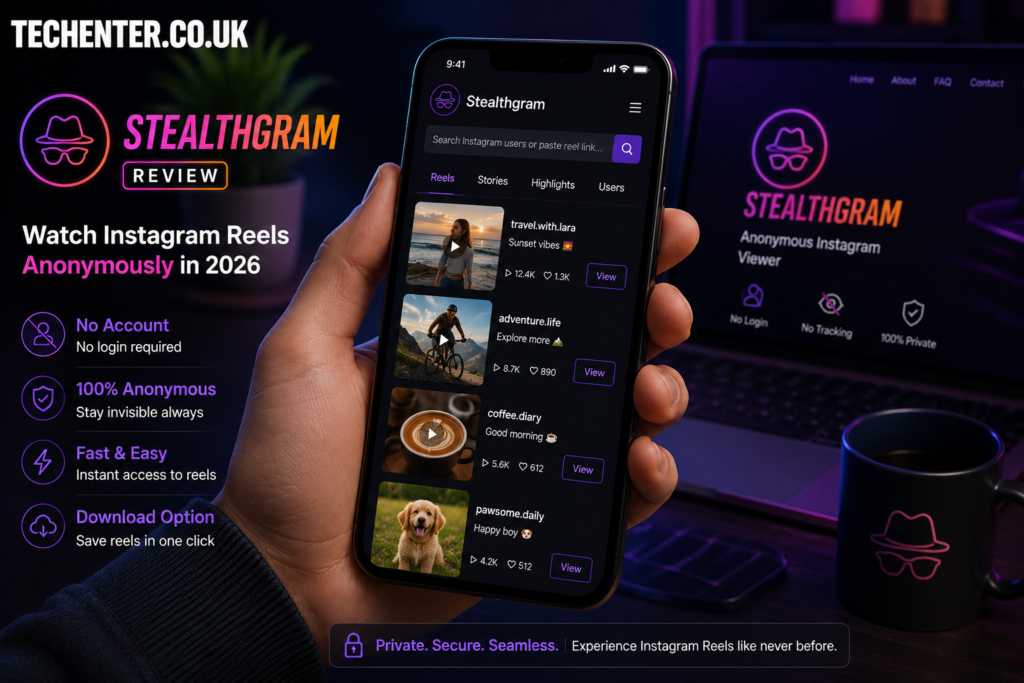
Using this web service is remarkably straightforward. You do not need to be a technical genius to get it working. Here are the simple, actionable steps to get started right now:
- Find the Public Handle: Open your regular browser and copy the exact username of the public profile you want to check out.
- Visit the Web Tool: Head over to the official web interface on your phone or desktop computer.
- Input the Username: Paste the handle into the main search box on the homepage. Make sure to double-check the spelling!
- Hit Search: Click the search or submit button to let the system fetch the feed.
- Enjoy Anonymously: Scroll through the video tiles and watch the content without generating a view count under your real name.
Keep in mind that this process only works for accounts set to public. If an account is locked down with strict private parameters, no third-party web scraper can safely access that media feed.
The Biggest Benefits of Going Incognito
There are several great reasons to use a dedicated viewer instead of your native application. Let’s look at the main reasons this tool has gained so much traction lately.
1. No Accidental Interactions
My absolute favorite thing about using a viewer is avoiding the dreaded “accidental double-tap.” I can’t tell you how many times I have been casually scrolling through an old acquaintance’s timeline late at night, only for my thumb to slip and accidentally like a video from three years ago. It is incredibly embarrassing! With an external viewer, that is a physical impossibility because there are no active engagement buttons linked to your identity.
2. Complete Account Safety
Because you never type your actual username or password into the portal, your real profile is 100% safe from hacking attempts. You aren’t giving out token permissions or connecting suspicious apps to your official account data. Taking these simple precautions is a great step toward managing your digital footprint safely.
3. Fast Video Downloads
In addition to letting you watch content, the platform offers a direct download feature. If you see a funny video, a recipe layout, or a workout routine you want to save for offline use, you can save it to your local hard drive with a single click.
My Personal Opinion on Third-Party Viewers
I want to pause and give you my honest take on using these types of web services. I used to think web viewers were only for people trying to look at profiles they shouldn’t. But lately, my perspective has totally changed.
Personally, I use them all the time now for basic business research. When I want to analyze what trending content styles my competitors are using, I don’t want their marketing teams seeing my professional account in their daily metrics. Using an anonymous viewer allows me to study industry trends cleanly without throwing off their analytics data or triggering targeted ads on my own feed. If you are focused on mastering Instagram features for research, tools like this are incredibly practical.
Essential Safety Tips for Web Browsing
While the platform itself doesn’t ask for your personal data, you still need to practice basic internet hygiene when using free online tools:
Watch Out for Pop-up Ads
Free platforms rely on advertising to pay for server costs. Never click on flashy banners that claim your device has a virus or ask you to install random browser extensions.
Use a VPN for Extra Protection
If you want to keep your network location hidden from the web host itself, turn on a Virtual Private Network (VPN) before you start searching handles.
Avoid Log-In Prompts
If a third-party viewer suddenly redirects you to a page that asks for your official password, close the tab immediately. Legitimate scrapers never require your credentials.
Conclusion
Finding ways to protect your privacy online is more important than ever. As we have seen in this Stealthgram Review: Watch Instagram Reels Anonymously in 2026, using a secure web viewer is a simple, effective way to enjoy public short-form videos without sharing your identity, generating tracking data, or risking accidental engagement slips. It gives you the freedom to browse public profiles completely on your own terms.
Do you use anonymous viewers to research trends, or do you just prefer keeping your scrolling private? Let me know your thoughts in the comments section below! Don’t forget to share this guide with your privacy-conscious friends and subscribe to our weekly tech newsletter.
For More Information, please visit:Techenter.co.uk