
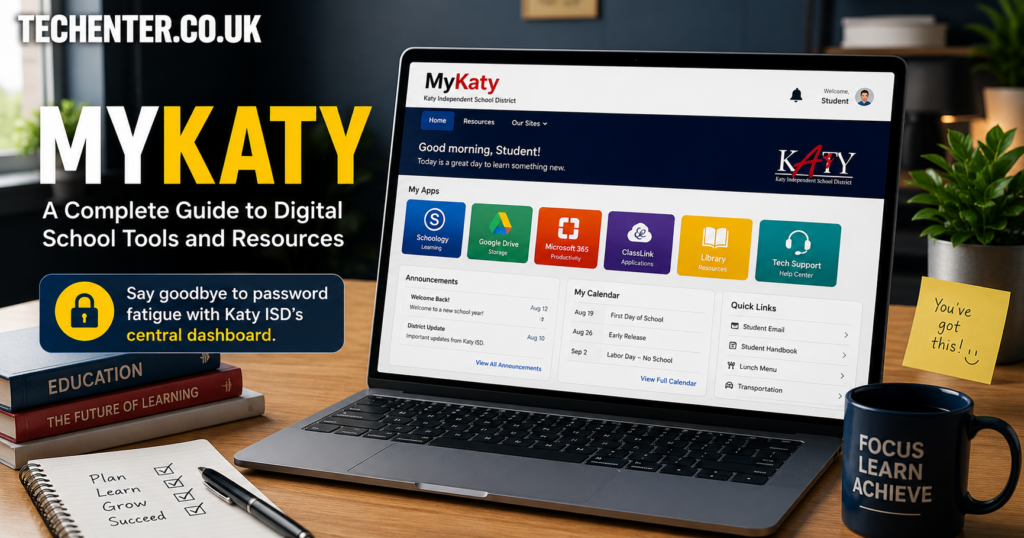

If you are a parent or student in the Katy Independent School District (Katy ISD), you already know how overwhelming modern school technology can feel. Between checking report cards, tracking assignments, and finding digital textbooks, it feels like you need a million different accounts. I used to keep a messy spreadsheet just to track all the usernames and passwords for my kids’ classes! Thankfully, the district solved this giant headache with a brilliant platform.
This post is your MyKaty: A Complete Guide to Digital School Tools and Resources. We will break down exactly how to use this single sign-on platform, clear up the login confusion, and help you find the tools you need in seconds. Let’s make this school year your most organized one yet!
What Exactly Is MyKaty Cloud?
At its core, MyKaty Cloud is the official digital front door for everyone in Katy ISD. Instead of forcing you to bookmark dozens of separate sites, this single sign-on (SSO) portal connects students, parents, and teachers to all their essential learning applications through one main dashboard.
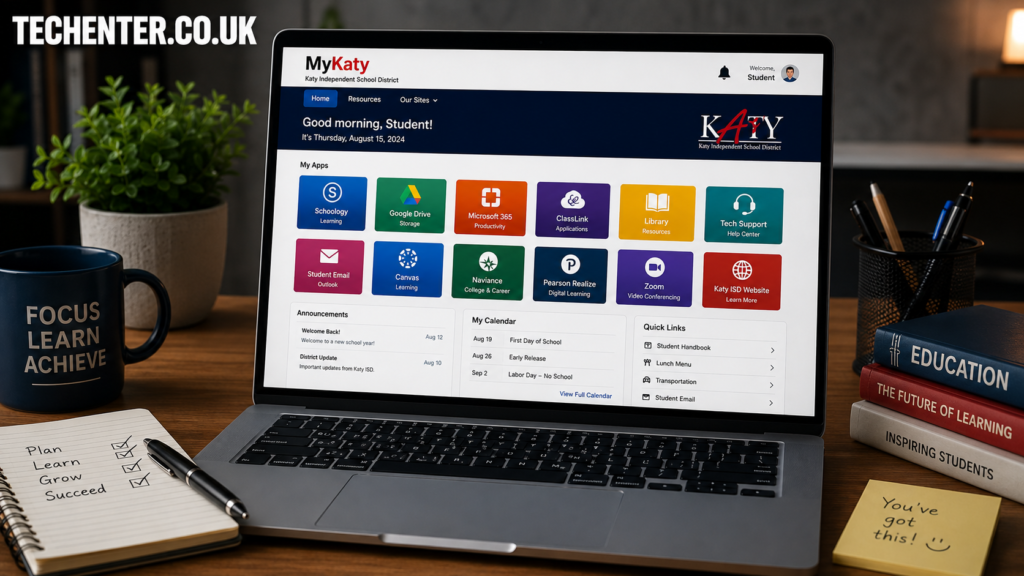
The system is built on ClassLink technology, meaning it is highly secure and easy to navigate. Once you log in, you will see a clean screen filled with clickable “tiles” or icons. Each tile takes you directly into a specific school app without forcing you to re-type your login information. If you want to maximize student productivity, utilizing central hubs like this is just as vital as finding other essential apps for modern students.
Step-by-Step: How to Log into MyKaty
Getting into the portal is incredibly simple, but there are a few minor differences depending on whether you are a student or a parent. Follow these quick steps to get connected:
- Open Your Browser: Open up a reliable browser like Google Chrome.
- Go to the Official URL: Navigate directly to the web portal at classlink.com.
- Enter Your Credentials: Students will type in their regular district username and password.
- Parent/Guardian Login: If you are a parent, you will use the same login credentials you created for the Home Access Center (HAC).
- Click Sign In: Click the blue button to load your customized dashboard app array.
If your child is in elementary school, they might also use a physical “Quickcard” QR code. You can simply click the “Sign in with Quickcard” option, hold the card up to your device’s webcam, and it logs them in automatically!
Key Digital School Tools Inside the Portal
What makes this system a lifesaver is the sheer volume of resources packed inside it. Let’s look at the most important tiles you and your child will use every week.
1. Home Access Center (HAC)
The Home Access Center is the ultimate tool for parents. This is where you can look at official report cards, view daily attendance records, monitor interim progress reports, and check discipline notes. If you want to stay updated on your child’s academic standing, you must look here regularly.
2. Canvas LMS
Canvas is the virtual classroom hub where the day-to-day work happens. Teachers use it to post daily homework assignments, distribute digital worksheets, share lecture slides, and give feedback on quizzes. Students can also upload their completed projects right through Canvas.
3. SchooLinks
For older students planning their future, SchooLinks is an incredible career and college tracking application. It helps middle and high school students take personality quizzes, explore potential college degrees, track community service hours, and apply for financial scholarships.
4. Digital Textbooks and Libraries
No more broken backs from carrying giant, heavy physical textbooks! The portal houses applications like Destiny Catalog and Sora, which grant students free access to hundreds of school eBooks and audiobooks.
My Thoughts on the 2025 Multi-Factor Authentication Upgrade
I have to share a quick perspective on the recent security updates. In early 2025, Katy ISD introduced mandatory Multi-Factor Authentication (MFA) for all parent and guardian accounts accessing the platform. At first, I heard a lot of neighbors complaining that it added an annoying extra step to their morning routine.
However, in my opinion, this change was completely necessary. Our kids’ grades, school registration records, and private contact information live inside these accounts. Taking an extra five seconds to verify our identity keeps our children safe from data breaches. If you are eager to keep your family safe online, practicing proper login hygiene is just as crucial as implementing broader parental dashboard security practices at home.
Quick Troubleshooting and Pro-Tips
Sometimes technology glitches out, especially right before a major homework deadline! Use these quick tips to resolve the most common system errors:
Clear Your Cache
If a specific tile won’t open or keeps spinning, log out, clear your internet browser’s cache, and try signing back in.
Use the Search Feature
If your dashboard has too many icons and looks messy, use the search bar at the top of the portal. Type in “Office 365” or “HAC” to locate the app icon instantly.
Use the Password Reset Tool
If high school students or staff forget their login keys, they can use the official Katy ISD Password Self-Service portal to safely reset it away from the school network.
Try the Katy OnTheGo App
If you are constantly on your mobile phone, consider downloading the companion app called Katy OnTheGo to keep up with general school calendar alerts.
Building a structured routine around these digital hubs helps reduce family stress and makes managing home homework feel like a breeze.
Conclusion
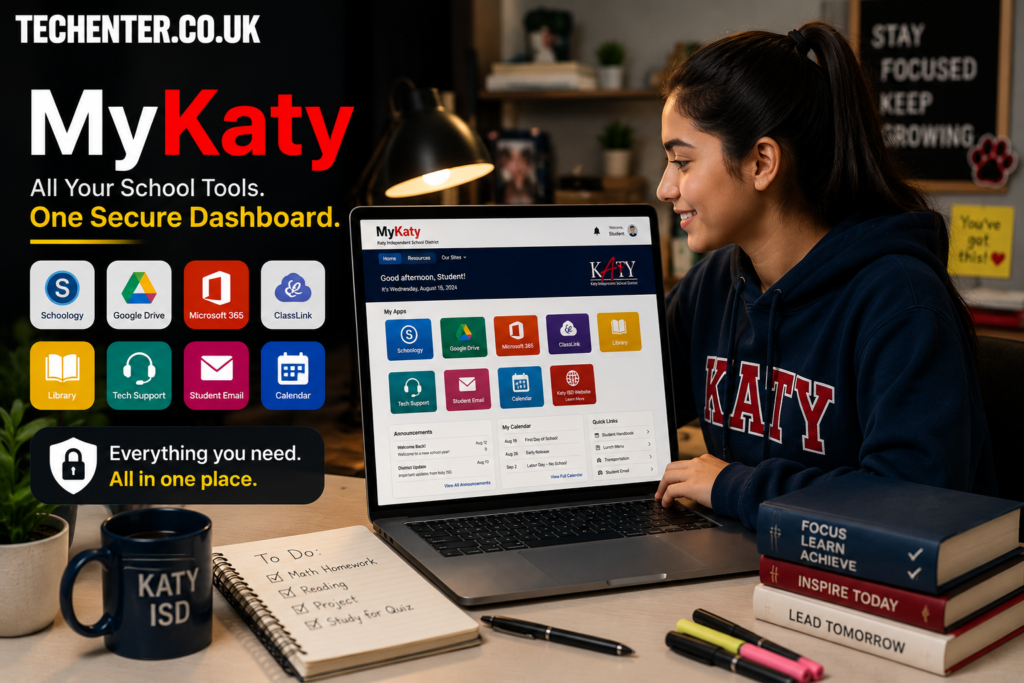
Managing modern education does not have to feel like a full-time job. By centralizing everything into one intuitive dashboard, the district has given families a powerful asset to take charge of their education. This MyKaty: A Complete Guide to Digital School Tools and Resources showed you how easy it is to manage logins, look up grades on HAC, track assignments through Canvas, and protect your account with MFA. Bookmark the login page, set up your security settings, and watch how much smoother your school weeks become!
What is your favorite or most used tool inside the dashboard? Let me know in the comments below! Don’t forget to subscribe to our newsletter for more helpful tech breakdowns for families.
For More Information, please visit:Techenter.co.uk