

We have all been there. You are playing your favorite mobile game, and you suddenly hit a massive paywall. Or maybe there is an incredible productivity app you desperately need, but the premium monthly subscription is just way too high for your budget.
It is incredibly frustrating. Naturally, you start looking for a workaround. That is usually when websites offering modified mobile files start popping up in your search results.
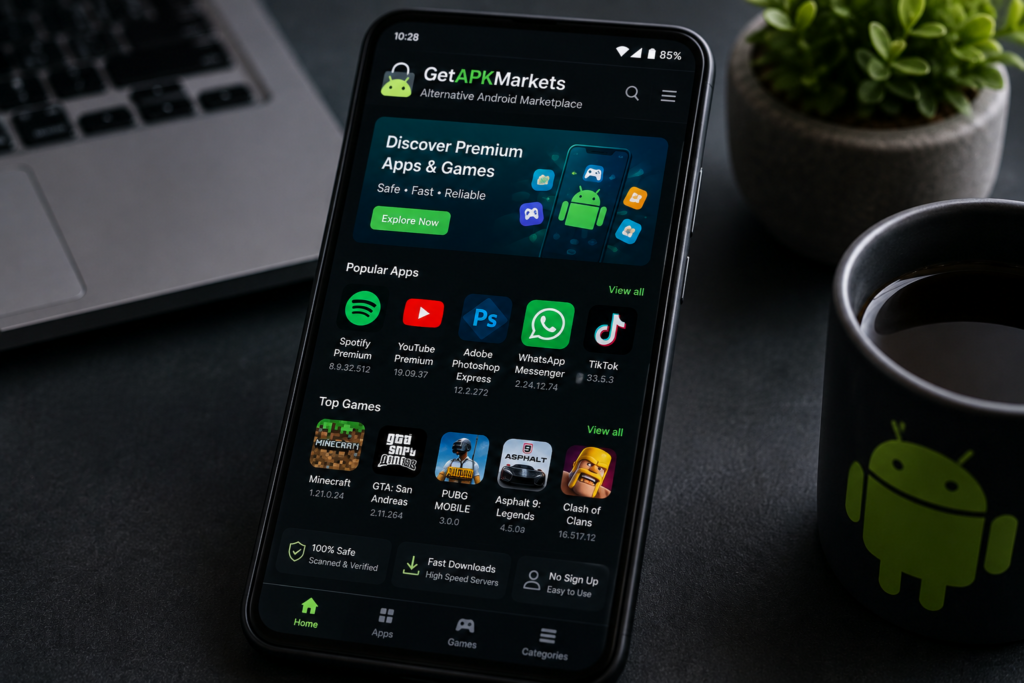
Recently, a platform called GetAPKMarkets.com has been gaining a lot of traction among third-party downloaders. It promises free access to premium features, unlocked games, and applications that you would normally have to pay for on official storefronts. But is it actually safe, or is it a fast track to ruining your smartphone? In this deep-dive GetAPKMarkets.com review, we are going to look closely at the truth about modified Android APK files so you can protect your device.
What is GetAPKMarkets.com?
Let’s start with the basics. GetAPKMarkets.com is an unverified, third-party online repository. It hosts thousands of Android application packages, which are commonly known as APK files.
Unlike the official Google Play Store, this site specializes heavily in “modded” or “cracked” applications. These are original software files that independent, third-party developers have tinkered with behind the scenes.
The main appeal of the platform is obvious. Users flock to it because they want to bypass app restrictions, remove annoying advertisements, or get unlimited in-game currency without opening their wallets. While that sounds amazing on paper, operating outside the official Android ecosystem always comes with major trade-offs.
The Dark Reality of Modified APK Files
To understand the risks, you have to understand how a modified file is actually made. When a programmer “cracks” an application, they have to tear open the original software code, change its parameters, and put it back together.
The problem is that you have absolutely no way of knowing what else they added to that code while they were inside it. When you download from unvetted platforms, you are running on pure blind trust.
The Threat of Hidden Malware
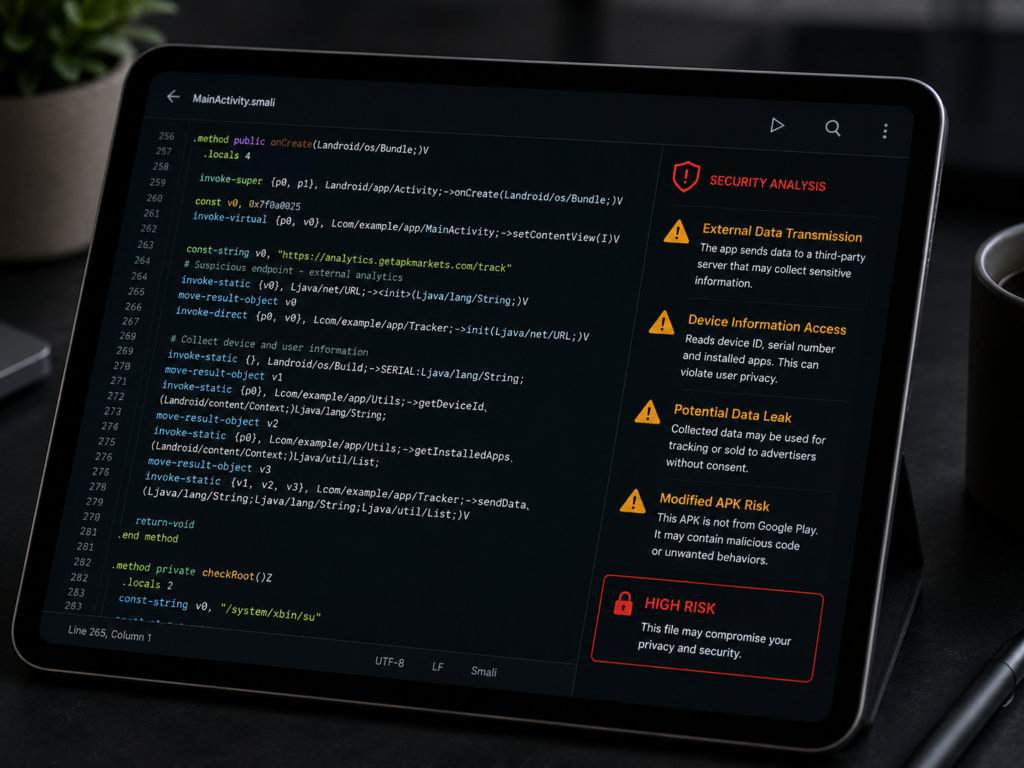
Many modified files are packaged with hidden malicious code. This can range from aggressive adware that floods your screen with pop-ups to dangerous spyware. Spyware can quietly sit in the background of your phone, tracking your keystrokes and stealing your personal passwords.
Compromised Private Accounts
When you log into a modified app using your social media profiles or email accounts, you risk losing access to them entirely. Some cracked files are built specifically to harvest login credentials and send them straight back to remote hackers.
My Experience: The Hidden Cost of “Free” Apps
I used to be incredibly adventurous with my secondary testing devices. A couple of years ago, I downloaded a modified version of a popular photo editing tool from a similar third-party platform because I didn’t want to pay for the premium filters.
The app worked perfectly for about two days. Then, my phone started acting incredibly strange. It ran hot to the touch, my battery drained completely in two hours, and weird background processes were eating through my mobile data.
After running a deep system scan, I found out the modified file had hidden a cryptocurrency mining script deep inside my system files. The app was literally burning out my phone’s hardware just to make a stranger a few pennies. That was the day I realized “free” modified files always carry a hidden cost.
How to Protect Your Android Device: A Practical Checklist
If you still choose to explore third-party platforms like GetAPKMarkets.com, you must take strict safety precautions. Do not just download files blindly. Follow these steps to minimize your risk:
- Never Use Your Main Phone: Only test unverified files on an old, spare device that does not contain your primary SIM card, personal photos, or banking details.
- Verify the URL Closely: Shady mirror sites often copy names like GetAPK Markets. Make sure you aren’t clicking on a typo-squatted clone site designed to push browser viruses.
- Use an Independent Scanner: Before running an installation, upload the raw file directly to VirusTotal. It scans the file using dozens of different antivirus engines simultaneously to flag hidden threats.
- Audit App Permissions: If a simple offline game or utility app suddenly requests access to your contacts, SMS messages, or microphone, deny it immediately and delete the app.
- Turn On Google Play Protect: Keep the built-in Google Play Protect security system enabled on your device. It regularly scans side-loaded apps for malicious behavior even if they came from outside the store.
Better and Safer Alternatives to Modded Sites
You do not have to put your mobile data at risk just to find great applications. There are much safer ways to enjoy premium software without compromising your privacy.
Look for Open-Source Alternatives
For almost every paid app on the market, an incredible free, open-source alternative exists. Check out vetted repositories like F-Droid to find community-driven apps that are completely free of tracking codes and annoying paywalls.
Take Advantage of Beta Tests and Reward Apps
Many mainstream developers offer free access to premium features if you sign up to be an official beta tester. Additionally, you can use programs like Google Opinion Rewards to earn official store credits by answering short, simple surveys in your free time.
Final Verdict: Is GetAPKMarkets.com Worth It?
To wrap up this GetAPKMarkets.com review, the truth about modified Android APK files is that the risks far outweigh the rewards. Saving a few bucks on a premium application or a mobile game is simply not worth losing your personal passwords, photos, or banking information.
While the platform does host functioning files, the total lack of strict security curation makes it a digital minefield for everyday users. If you value your privacy and want to keep your smartphone running smoothly, stick to verified stores and trusted open-source networks.
What has your experience been with third-party app stores? Have you ever run into a bad file that messed up your device? Let us know your thoughts in the comments section below! If you found this guide helpful, please share it with your friends and subscribe to our newsletter for more honest tech reviews.
For More Information, please visit:Techenter.co.uk