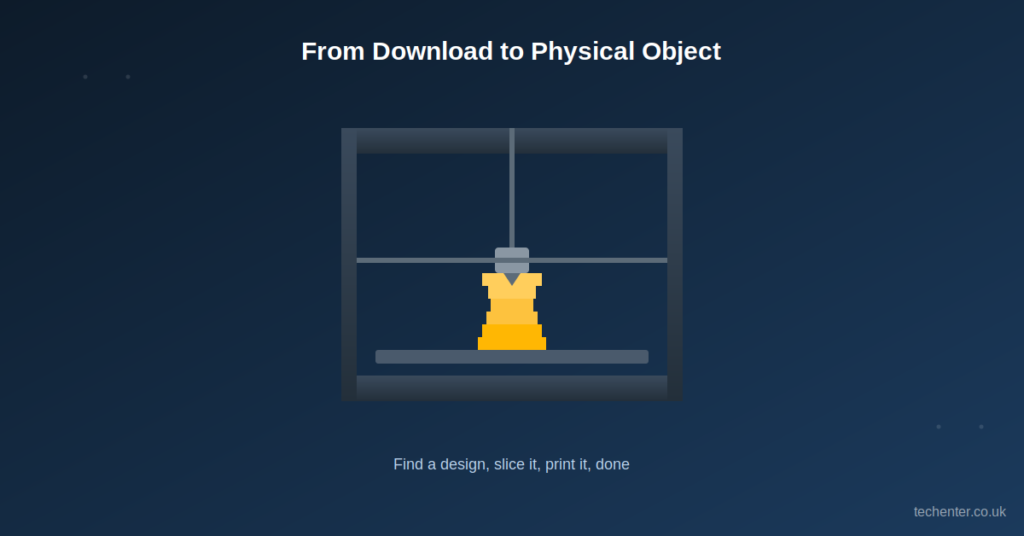

The first time I downloaded a file from Thingiverse, I honestly didn’t know what I was doing. I printed a wobbly phone stand that took three tries to get right. Looking back, I just didn’t understand how the platform worked yet.
That’s exactly why I put this guide together. Thingiverse is one of the biggest places online to find free 3D printing designs, but it can feel overwhelming if you’re new to it. I’ll walk you through how to find good designs, print them safely, and avoid the mistakes I made early on.
What Is Thingiverse, Exactly?
Thingiverse started back in 2008 as an open library where makers could share printable design files for free. It grew alongside the early 3D printing and RepRap communities, and it’s still one of the largest design repositories around today.
Here’s something worth knowing if you’re just getting into it: ownership of the platform recently changed. MyMiniFactory completed a full acquisition of Thingiverse from Ultimaker in February 2026, bringing millions of existing users into a combined creator-focused ecosystem. If you’ve used Thingiverse before, don’t be surprised by some changes rolling out as the platforms merge.
Why Makers Still Use It
Even with newer platforms popping up, Thingiverse remains popular for one simple reason: the sheer size of its library. You’ll find everything from replacement parts to cosplay props to classroom projects, almost all free to download.
How to Find the Right Design
Scrolling through millions of files can feel like searching for one specific book in a library with no shelves. A little strategy goes a long way here.
Step 1: Search With Specific Terms
Instead of searching “phone stand,” try “adjustable phone stand desk.” Specific searches cut through the noise fast.
Step 2: Check the Ratings and Comments
Look at how many people have printed the design successfully. The comments section usually tells you if a model needs supports, prints cleanly, or has sizing issues.
Step 3: Look at the Make Gallery
Most listings show a gallery of “Makes,” which are photos other people uploaded after printing the same file. This tells you what to realistically expect, not just the designer’s polished preview render.
Downloading and Printing Safely
Once you find a design you like, there are a few things I always check before hitting print.
- Read the license type before printing, especially if it’s for anything beyond personal use.
- Check the recommended printer settings, like layer height and support needs.
- Scale the model in your slicer to confirm it matches the size you actually want.
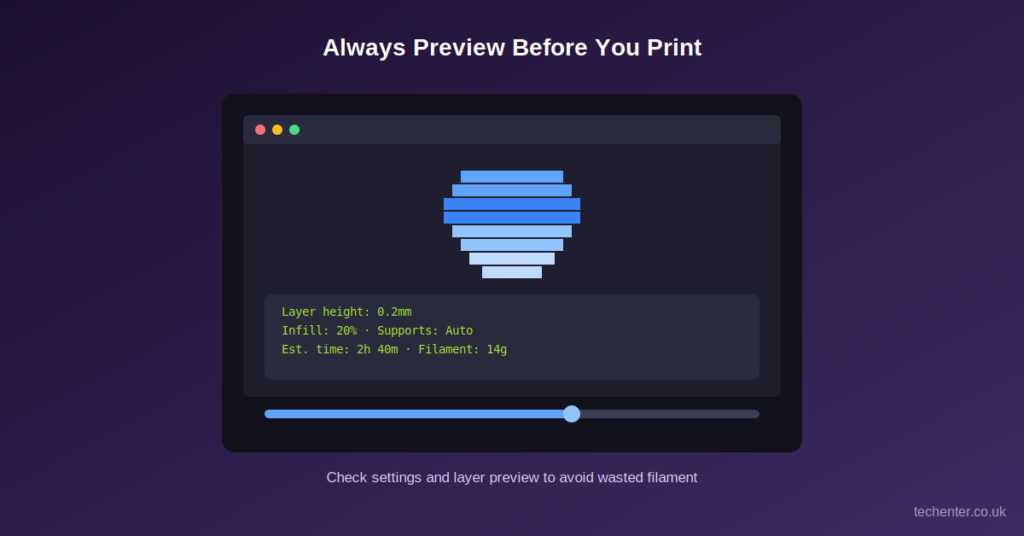
- Preview the sliced file layer by layer before starting a long print.
Understanding File Licenses
Most designs use Creative Commons licenses, but they’re not all the same. A “Non-Commercial” license means you can print it for yourself, but you can’t sell the finished object. Always double-check before printing something you plan to give away or sell.
Common Beginner Mistakes to Avoid
- Skipping the print settings notes, then wondering why the print failed
- Ignoring bed adhesion tips for tricky designs
- Printing at full size without checking if it’ll actually fit your intended use
- Forgetting to check for multi-part designs that need assembly
I learned the multi-part lesson the hard way after printing a case that needed four separate pieces glued together, and I only printed one.
Getting Started With Your First Prints
If you’re brand new, start small. Simple, well-tested designs build your confidence and teach you your printer’s quirks.
Beginner-Friendly Project Ideas
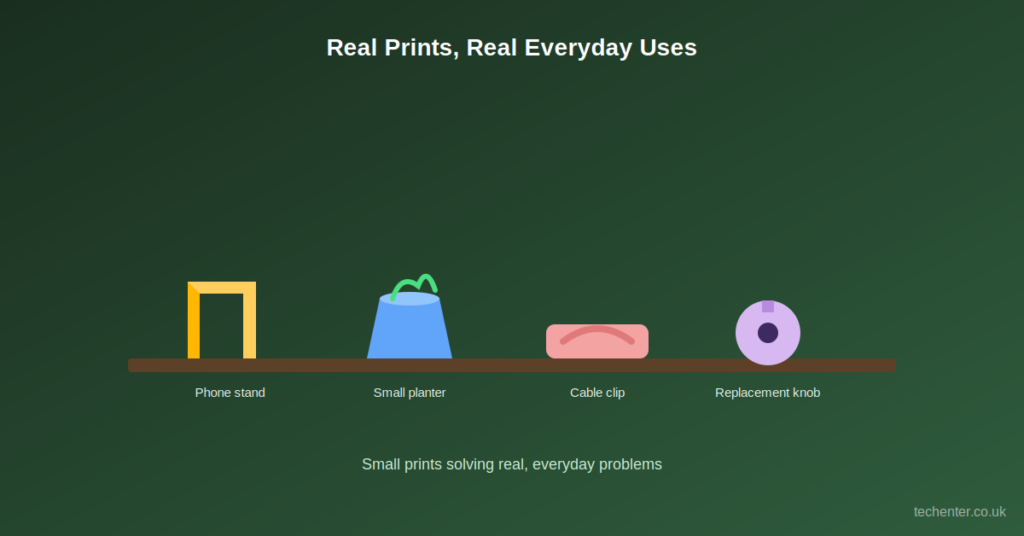
- Cable clips and cord organizers
- Simple keychains or small desk trinkets
- Phone stands or tablet holders
- Basic planters for small succulents
These projects are usually quick, don’t need supports, and forgive small printer calibration issues.
Joining the Community Side of Things
Thingiverse isn’t just a download library. You can comment on designs, upload your own “Makes,” and even remix existing files into something new. I’ve found some of my best design tweaks just by reading what other makers changed and why.
My Honest Take on 3D Printing With Downloaded Files
I’ll admit, I used to think 3D printing was mostly for hobbyists making toys. Then I printed a replacement knob for my washing machine that had been broken for months, and it fit perfectly on the first try. That one print alone saved me an appointment and a chunk of money.
That’s the real value of a platform like Thingiverse. It’s not just about cool projects; it’s about practical problem-solving with a printer you already own.
Frequently Asked Questions
Is Thingiverse free to use? Yes, browsing and downloading most designs is free. Some creators do offer premium or paid files through linked platforms.
Do I need special software to print a Thingiverse file? You’ll need slicer software, like Cura or PrusaSlicer, to convert the STL file into instructions your printer understands.
Can I sell items I print from Thingiverse designs? Only if the license allows commercial use. Always check the specific license attached to each individual design before selling anything.
Wrapping It Up
Thingiverse remains one of the easiest ways to start 3D printing without designing anything from scratch. Search with specific terms, check the license, preview your slice, and start with beginner-friendly projects before moving to bigger builds.
If this guide helped you get started, share it with a friend who just bought their first 3D printer, drop a comment about your favorite print, or subscribe for more maker guides like this one.
For more information, please visit: Techenter.co.uk